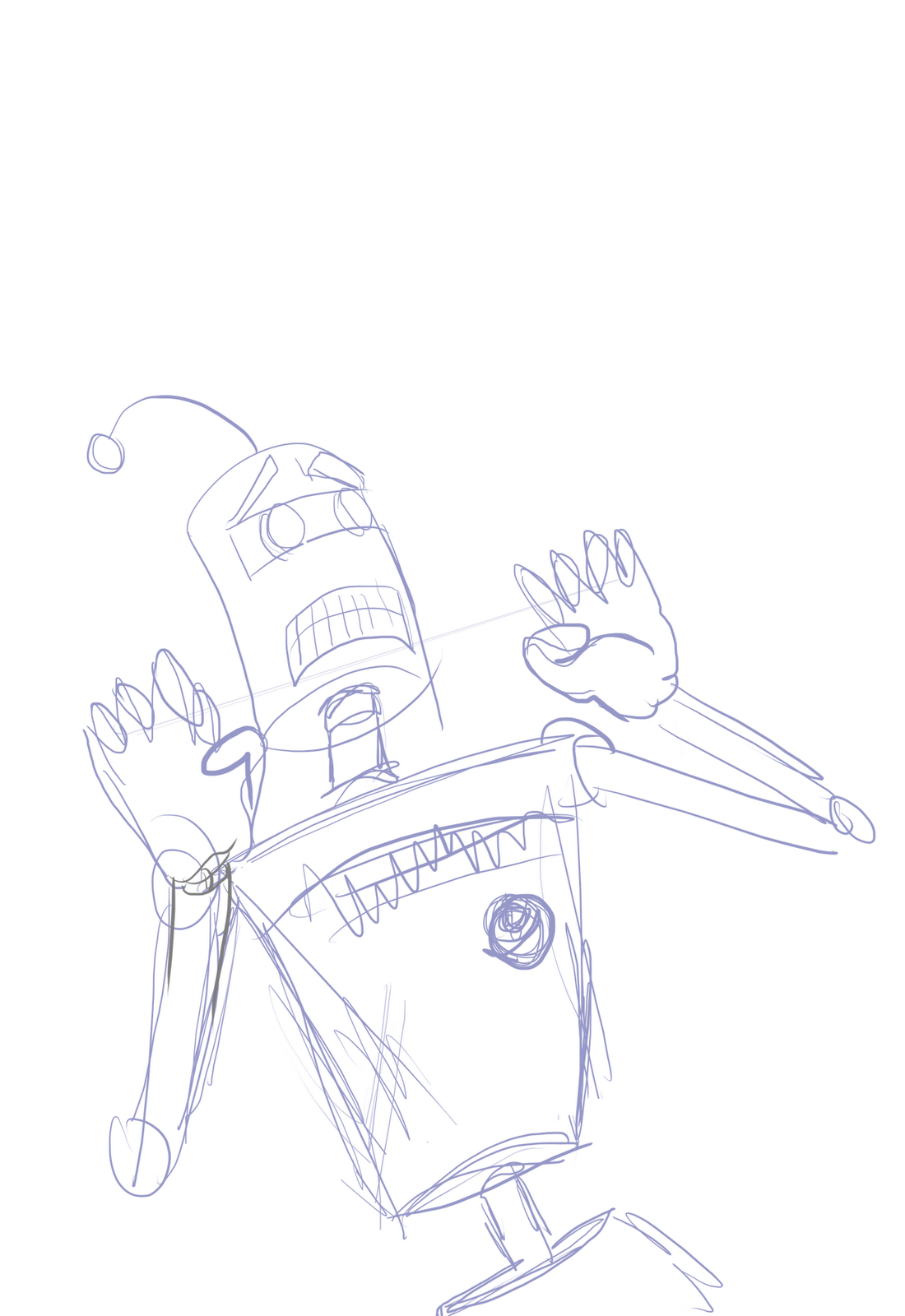
I tried to think about what I wanted to draw last night, and I was pretty keen on trying to draw a cheesy scream, but no matter how I tried I couldn't get the feel I wanted. You'll notice if you watch the video below that I erase, and redraw A LOT I really just wasn't feeling it at all...
Hands.... hands are a pretty big nemesis of mine, at one point I stopped the recording because I had tried it so many times I wasn't going to waste all the time showing it. I'm not so good at showing emotions on faces either and you'll see that I had to mess around with it for ages, looking back I can see exactly what worked and what didn't but at the time I really just couldn't figure it out. That's what it's about though, learning as you go.
I'm impressed so far that this blog has worked, at least as far as my goals have gone, each week I draw something and that's a lot more than I was managing before this so that's a thumbs up.
Our Monday role playing group swapped to Mutants and Masterminds for a few weeks and I got a bit carried away with my character story. So much so in fact that I wasn't even able to describe it to the group... so they picked some bizarre creation that I didn't really like all that much. So my homework for the week is to go and create my original concept.
Lab assistant, that was used as a guinea pig unknowingly by his now former company, while working with an extra dimensional rift experiment, he was attacked by elemental spectres and now has to share his body with 2 of them(not sure what elements yet). The longer they inhabit his body the more of his mind they destroy. Another worker in the company knows about his deliberate involvement and anonymously tells our hero of the conspiracy, he then aims to find the lab co-coordinator that was in charge that day to find more about what happened. Fights with the idea of revenge vs cure.
Spectres can only communicate through his subconscious or when he is asleep? No direct conversations?
One was destroyed by the other, the remaining one fights to control his body? To keep the element under control he has to use an opposite force for example spectre is a fire spectre, he has to sit in a freezer when at home.
A lot of question marks, regardless I had a fairly good idea of what I wanted. His company gave hims some lame excuse about his arms (which turn into fire and ice later on) and bandaged them up with some ointments, these actually contain chemicals that subdue the change (like the freezer example in the quote).
Just me having fun at lunch and coming up with ideas but I wanted to draw the character. There's a video below of me drawing this, I actually forgot to press record for the first half, my bad...
Ok first off I missed last weeks post. So let me explain Uni work is taking a lot of my time along with trying to find a paying job so there might be a interruption in my posting over the next few weeks.
So this is the second post on how I go about creating stuff.
So when I start drawing I normally let my mind wonder and do doodles on the paper on the paper most of these would be basic stick men in different poses.
from after doing that for a while creating quite a few of these drawings I then move onto making one as a toon in the drawing adding more and more detail to them. Till I'm happy enough to try and create a full image. The top image is a good example of this strange process that I do as all the lines are still visible on it. So that is it for this week hoping to get some more stuff done and upload it on here, till then have a nice weekend.
This Week I'd like to go over scanning in an image and preparing it for colouring in Photoshop. I'll be explaining how I do it, not the only way to do it, and probably not even the best way. But as far as I know, it produces the best results for me.
First thing is first, Scanning the image in:
I always find it best to scan an image in using a high DPI (around 300) that way we can make edits and shrink the image down, which normally makes it look a lot smoother. If you are drawing in ink, or really dark pencil and want a black line drawing by the end of it, Then scan in black and white. if you have a pencil sketch I find it's normally best to scan it in grey-scale.
Then were going to load the file into Photoshop, the image is going to appear big and grainy at first, thats ok, just means were doing it correct up till now.
Were going to clean the page up a little bit by using the threshold option.
By moving the slider back and forth we can decide how black a line has to be, to be kept. It lets you get rid of stray pencil lines and smudges, but don't go too far or it'll start to eat up your lines. You'll just have to play around with it to get the result you'd like.
Here is one of the images getting cleaned up, I forgot to change my brightness to eliminate pencil lines.
The next step is to do any editing you'd like to do, either erasing lines, or adding them. If your going to add lines I'd recommend using the pencil tool at this point and pick a size that won't look out of place. (It will still be grainy but don't worry. At least it will match)
I'm sorry about the music, it cracked me up so I had to use it.
Once you've edited the image and cleaned it up we can colour it. You don't have to do this now, you can do it after we have shrunk the image. We're going to create a new layer and place it below our original one, you might need to double click the background layer to unlock it, then were going to change the background layers style to darken. This will let us put colours on layers underneath and have them still show through the white, but not the black.
I'd recommend saving our big image as image_clean.psd and then using the save-as option to save again as image_shrunk.psd (that way we can't make any mistakes and accidentally save over it). The last step is going to be changing the resolution to 125 dpi (it's really your own preference), go to "Image" - "Image Size..." and enter the dpi you'd like.
And there we have it... you should have a good looking image, scanned in and looking smooooth.
For this months theme week I'm drawing salacious crumb, rather than try to explain it all, I can leave you with the wookipedia entry below. I was hoping to have a lot more fun with him but because of time I ended up just quickly drawing this. It's just a regular brush in Photoshop, with the flats.
Salacious B. Crumb was a Kowakian monkey-lizard employed as a court jester for Huttcrime lordJabba Desilijic Tiure. Known for his shrill laugh and sadistic sense of humor, Crumb started out as little more than vermin on Kwenn Space Station during the days of theGalactic Republic, eventually escaping onto a ship belonging to Jabba the Hutt. When Jabba found Crumb eating from his food bowl, he attempted to digest him, though the Kowakian monkey-lizard escaped, covering Jabba's two henchmen with goo in the process. Jabba found this extremely amusing, and offered Crumb a role as his court jester; if Salacious managed to amuse Jabba at least once a day, he would be allowed to eat and drink as much as he wished. However, if he failed to do so, he would be killed. For over a dozen years he lived in Jabba's Palace, playing many tricks and practical jokes on some of the palace's regulars, and becoming one of the most disliked members of Jabba's court. He died in 4 ABY, whenJabba's sail barge exploded over the Great Pit of Carkoon.
Again we become brave to dive into the vault that is my pc folders to find old sample of work that were done in the past.
So my brain has been running low on creativty this week not the funnest of things to have go on. I thought I would put this up as it is one of the more interesting ones that I have done. I have tried a few things in photoshop to this but they never really work as it already look fine as it is just being shaded in with pencil. Yea not much to say about this is was done a few years back now.
Hopefully I have more of a creative week after I figure out where my brain ran off to..... too many dark places for it to hide...... well hope you have a good weekend and yea we'll see if I have that creative spark back.
The plan was to colour this robot and record it so that I could put it here but my recording software doesn't want to play ball,so instead, you get the draft and inked version to view. I'll be putting the coloured version probably with a bit more detail on the blog at some point.
I have MUCH bigger versions if anyone wants one. As long as you ask and give credit your welcome to use this draft/line art to practise inking/colouring.
Hope you enjoy it, I'm looking forward to the next one.
I have always enjoyed drawing things out first then adding the basic colours to it. Taking it then into photoshop and adding more details or even just cleaning the the image up.
Hero
Well here you have one drawing that i did just that to. Started off drawing the basic shapes then added form to it. After I was happy with the way it looked I outlined it and added colour. The pens I used to do this are the Pro Marker pens and they are some of the best pen I have ever used for colouring stuff in. You add the first layer of colour on it and let that dry then you just add another and it is the best way to create depth and shadows on something that you create. That is really all I did with this drawing even after I scaned it in, I didn't have to do that much to it. All that is needed to be done is create the effect of a energy ball behind him and thats it really.
So here goes, my first blog post, on a blog, in the blogosphere(thingy) and hopefully every Wednesday after this. I'll be posting a piece of art and probably a quick blogpost on various subjects like how-to's and random thoughts I have about the process. There's a good chance I'll be discussing what I think are good habits and bad habits, what I think should count as regular practice that sort of thing but I usually just draw mini comics, and little random drawings. The plan is to direct that into themes, or challenges each week. I never real picked up much from school or college when it comes to drawing so it's a learning experience all the time, feel free to offer any hints, tips or ask questions in the comments.
As far as how the art is produced, I tend to use a Wacom Bamboo tablet, and Photoshop for the majority of it, but it's not unheard of for me to draw something on paper and scan it in or paint over it later on. Painting is probably something I do the least though, it's a scary business... and there's no undo!
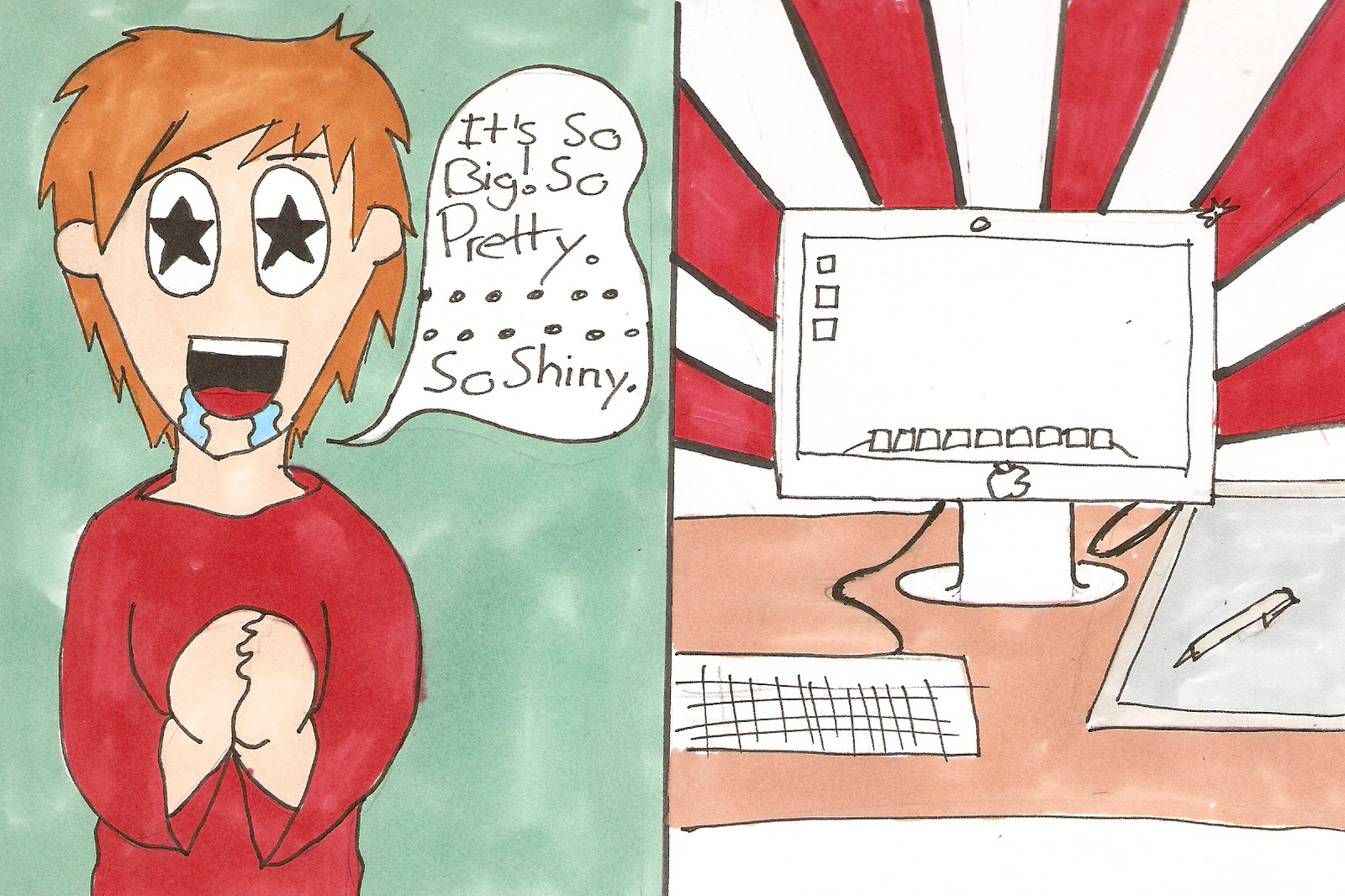
This was our first challenge, to draw ourself in our own preferred style, I hope you enjoy it!