Showing posts with label Photoshop. Show all posts

Monday, 1 October 2012

Strange


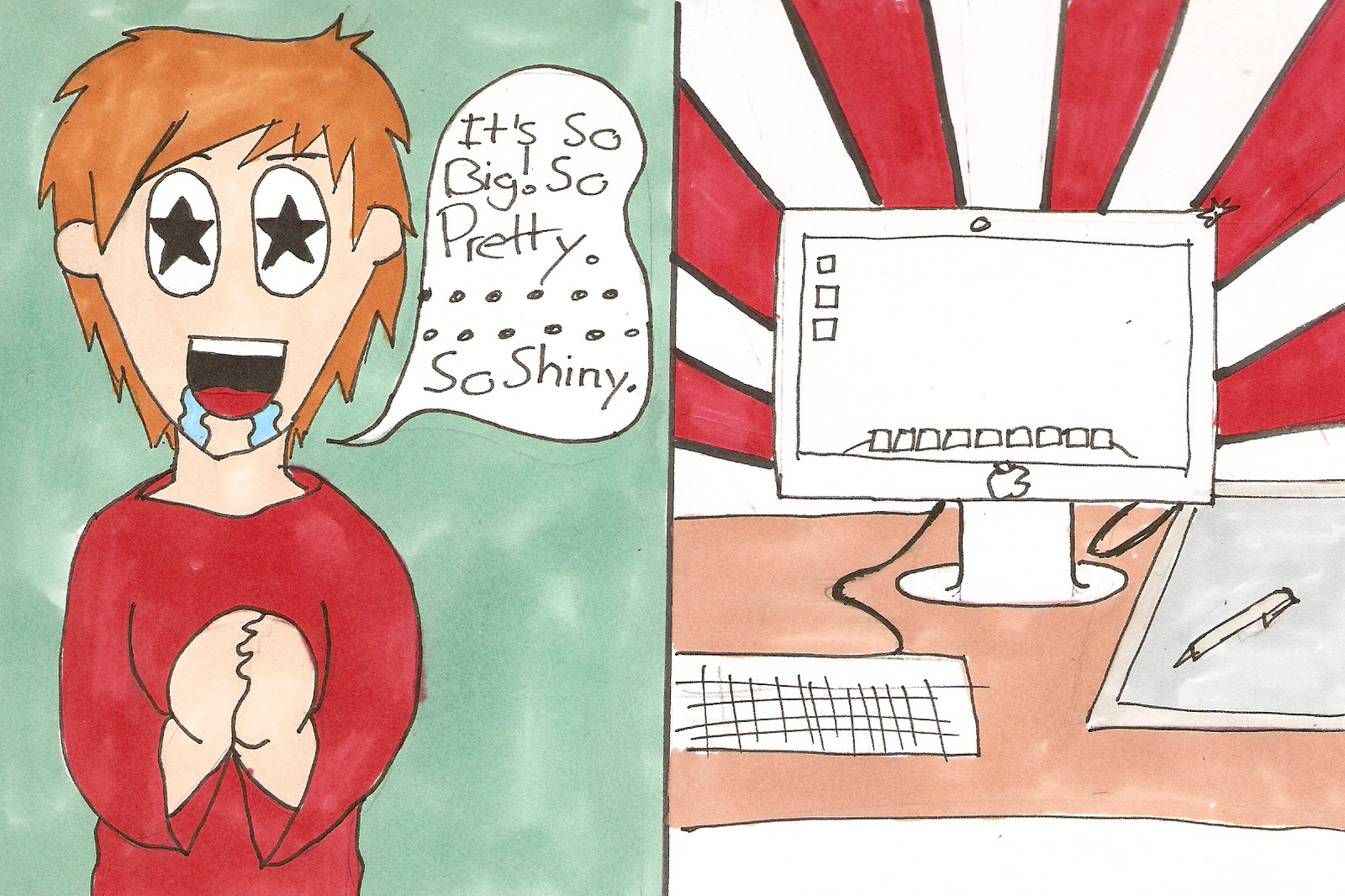
super quick doodle from class, first image was done on phone second was just a line over and messing about with colours.

Think I got my idea across better with the first one tbh

Sunday, 30 September 2012

Sunday, 9 September 2012

Whooooo


Only another 4 episodes of Doctor Who left :(

Drawn with the Photoshop pencil tool because I was too lazy to change it. Just another quick scribble.

Saturday, 8 September 2012

Speed Scribbles


Doodled a bit last night, and ended up drawing nothing but Jam Jars. I can't even explain why...

Anyway this was drawn at the end of the night in a sort of  "messy" drawing mode, where I move the keyboard out of the way so I can't keep erasing lines, then use a big brush and try to draw lightly and quickly.

Go figure, it's not Jam.

Sunday, 8 July 2012

Dammit Jim! I'm a programmer not an "Arteest".

Yup! I know it's dead here, and it probably won't get better. You see I think we stopped, like stopped for good. But I'm going to upload this anyway, I'm procrastinating... so... bam, there you go.


Friday, 2 December 2011

Illustrator FUN!

Hey there back again thought I put some thing up that has been done on illustrator again.


The last few weeks I have been helping to build a new student intranet at the college I go to. and this is some thing that was built for an image slideshow.


so this was created following a tutorial and all that was used to do it was creating a line then useing the 3d option in illustrator to extrude it out into the back ground.


So this is the final look for it imported it into Photoshop add the text to it all. well if you can make it out the text is  from a rule pack for one of the games workshop tournaments. Hopefully no will notice that :) this was a fun and stress piece of work to create as I wasn't too sure on what to do for the back ground but i thought i keep it simple and have it a see through bg. 

Wednesday, 16 November 2011

Then it went Kaboom!


Busy week at work and university I'm afraid, essays due and new projects so have some tank animations, just done in Photoshop with the animation window. I'd love to draw an entire RTS army, or several armies... now that would be fun.

EDIT: It looks like you'll have to click the images to see the animations.

Wednesday, 9 November 2011

It Lives!


I tried to think about what I wanted to draw last night, and I was pretty keen on trying to draw a cheesy scream, but no matter how I tried I couldn't get the feel I wanted. You'll notice if you watch the video below that I erase, and redraw A LOT I really just wasn't feeling it at all...

Hands.... hands are a pretty big nemesis of mine, at one point I stopped the recording because I had tried it so many times I wasn't going to waste all the time showing it. I'm not so good at showing emotions on faces either and you'll see that I had to mess around with it for ages, looking back I can see exactly what worked and what didn't but at the time I really just couldn't figure it out. That's what it's about though, learning as you go.

I'm impressed so far that this blog has worked, at least as far as my goals have gone, each week I draw something and that's a lot more than I was managing before this so that's a thumbs up.


Monday, 7 November 2011

Abstracted

I guess one of my favourite things to create digitally are abstract pieces. And most things come around with practicing with some techniques.
^^This image reminds me of a flower. There is something about, with its appearance of layers that I really like. I like the pink outline as well. I think it is simple, but it also has a depth due to the overlapping parts.

^^This image, is different, but still was made through experimentation on Photoshop. Mostly with swirling the cloud effect. I like the smoothness to it.

Wednesday, 2 November 2011

Mutants and Masterminds


Our Monday role playing group swapped to Mutants and Masterminds for a few weeks and I got a bit carried away with my character story. So much so in fact that I wasn't even able to describe it to the group... so they picked some bizarre creation that I didn't really like all that much. So my homework for the week is to go and create my original concept.
Lab assistant, that was used as a guinea pig unknowingly by his now former company, while working with an extra dimensional rift experiment, he was attacked by elemental spectres and now has to share his body with 2 of them(not sure what elements yet). The longer they inhabit his body the more of his mind they destroy. Another worker in the company knows about his deliberate involvement and anonymously tells our hero of the conspiracy, he then aims to find the lab co-coordinator that was in charge that day to find more about what happened. Fights with the idea of revenge vs cure.
Spectres can only communicate through his subconscious or when he is asleep? No direct conversations?
One was destroyed by the other, the remaining one fights to control his body? To keep the element under control he has to use an opposite force for example spectre is a fire spectre, he has to sit in a freezer when at home.
A lot of question marks, regardless I had a fairly good idea of what I wanted. His company gave hims some lame excuse about his arms (which turn into fire and ice later on) and bandaged them up with some ointments, these actually contain chemicals that subdue the change (like the freezer example in the quote).

Just me having fun at lunch and coming up with ideas but I wanted to draw the character. There's a video below of me drawing this, I actually forgot to press record for the first half, my bad...


Tuesday, 1 November 2011

I'd like to be like the guys and say how I make a lot of things, but I need to be honest here. Most of the things I make, especially digitally, happen by mistake. And I don't even want to think about how a tutorial for making mistakes would work? Actually I can, it wouldn't work.

As you can probably see, this is a swirly thing. I went through a phase not too long ago, where I used the swirl effect on anything on photoshop. And, by playing with things such as 'glow spread' and how solid the lines appear, something quite cool happened. I am not a good teacher, I am more about doing what you feel and trial and error. Which is why I am kind of reluctant of telling people how to do things.

I guess you can say I am in an art rut right now. Nothing is coming to mind, to create something. Though I am taking part in NaNoWriMo (National Novel Writing Month), where I have to write a novel of 50,000 words throughout the 30 days in November. This is something I have been preparing for, and I have been putting a lot of energy thinking up the storylines. There is a chance that I may be inspired to do something artistic alongside my writing, but right now I have a one track mind. But I am really excited. I take on projects, because I look at them inspiring me in other areas of my life. So if I am trying to picture a character in my story, I may draw them. I did before, and it does give me overall inspiration.

Wednesday, 26 October 2011

Scanning Images

This Week I'd like to go over scanning in an image and preparing it for colouring in Photoshop. I'll be explaining how I do it, not the only way to do it, and probably not even the best way. But as far as I know, it produces the best results for me.

First thing is first, Scanning the image in:

I always find it best to scan an image in using a high DPI (around 300) that way we can make edits and shrink the image down, which normally makes it look a lot smoother. If you are drawing in ink, or really dark pencil and want a black line drawing by the end of it, Then scan in black and white. if you have a pencil sketch I find it's normally best to scan it in grey-scale. 

Then were going to load the file into Photoshop, the image is going to appear big and grainy at first, thats ok, just means were doing it correct up till now.


Were going to clean the page up a little bit by using the threshold option.

By moving the slider back and forth we can decide how black a line has to be, to be kept. It lets you get rid of stray pencil lines and smudges, but don't go too far or it'll start to eat up your lines. You'll just have to play around with it to get the result you'd like.
Here is one of the images getting cleaned up, I forgot to change my brightness to eliminate pencil lines.


The next step is to do any editing you'd like to do, either erasing lines, or adding them. If your going to add lines I'd recommend using the pencil tool at this point and pick a size that won't look out of place. (It will still be grainy but don't worry. At least it will match)

I'm sorry about the music, it cracked me up so I had to use it.

Once you've edited the image and cleaned it up we can colour it. You don't have to do this now, you can do it after we have shrunk the image. We're going to create a new layer and place it below our original one, you might need to double click the background layer to unlock it, then were going to change the background layers style to darken. This will let us put colours on layers underneath and have them still show through the white, but not the black.


I'd recommend saving our big image as image_clean.psd and then using the save-as option to save again as image_shrunk.psd (that way we can't make any mistakes and accidentally save over it). The last step is going to be changing the resolution to 125 dpi (it's really your own preference), go to "Image" - "Image Size..." and enter the dpi you'd like.

And there we have it... you should have a good looking image, scanned in and looking smooooth.


Wednesday, 19 October 2011

"Weeelcome to your grave!"


So here is a couple of ideas I had about an undead roleplaying game, it involved you playing a group of decrepid soldiers, all mushed up into one army and you fought against the living. As far as your character was concerned he was the winning team. There could be no greater cause (your undead, the necromancer is always right...)

These were as always drawn in Photoshop with the regular brush, but the opacity was fairly low. I think perhaps the second image was a little too dark, and kind of like the style I was heading for in the first one.

Friday, 14 October 2011

Some thing New

So this is a really early edit for me but hey why not. Today (Monday) I had a couple of really good ideas during a lecture for motion graphics (and yea I was paying attention to the lecture) so during it I was trying to scribble these ideas down and add more to them. Now your asking what are those ideas? well one is for the motion graphics final hand so I'm not saying anything just now, but the other one is for my portfolio site. and yea its Awesome!

can't really put it in words so I will show you.


Whats THIS!? Glad you asked.

Well this is the overall look to the new portfolio site. The gray hills with the trees in the back will be moving from one side to the other and repeat it self so its a constant moving image. There will be a sign that appears when you click on a menu item that holds the content of that. The next stage after getting those things working will be moving it into Drupal if that works (fingers crossed).

Wednesday, 12 October 2011

Looking snappy


Last year my friend took a game design module at university, he had to create a small game with a partner and write a massive report. Because of everything he had to do he asked me to do some sprites for his characters, he gave me a rough description and I drew out a few design ideas.

The game started off as a silly idea the main character was in his pajamas, and had a bag that carried all his equipment. It then took a more serious tone, and wanted all the enemies to be in suits with glasses.

I had a lot of fun doing this, I hadn't done any pixel art in a while and have't since I did everything here in Photoshop just picked a one pixel pencil brush and 60x60 per frame canvas. The sprites were test animated before i sent them off you can see a few at the end of the blog entry. The "Shooting" Sprite doesn't repeat so you may have to click the image.

When creating the agent sprites, I used the player sprite as a guide, I've left the sheets overlapping to show what i mean.


Wednesday, 5 October 2011

24 Hour Comic Day


This weekend past, was 24 hour comic day, I took part in it a few years ago, but didn't make it last year. While I was doing it I recorded both my screen and what my webcam was seeing, I thought it'd be quite funny, but I'm just going to pop my screen up for the moment (It turned into a  rather embarrassing karaoke half way through) and I some how managed to miss half the second and third pages...

I was pleased that this year I managed to write an easily 24 page long story, but frustrated because I got bogged down in detail, and picked the totally wrong style to attempt it in. I decided I'd give this digital painting a go, and I'm actually pretty pleased with the results. There's a list of things I'd go back and sort out though, the people were rushed due to time, and there could have been a better attempt at atmosphere and value balancing.

The pages are below in-case your interested and I'm sure you've seen the video above.

P.S I didn't have any of my comic fonts installed so you'll have to make do with what's there, my bad.


Wednesday, 28 September 2011

I laugh, or you die.


For this months theme week I'm drawing salacious crumb, rather than try to explain it all, I can leave you with the wookipedia entry below. I was hoping to have a lot more fun with him but because of time I ended up just quickly drawing this. It's just a regular brush in Photoshop, with the flats.

Salacious B. Crumb was a Kowakian monkey-lizard employed as a court jester for Hutt crime lord Jabba Desilijic Tiure. Known for his shrill laugh and sadistic sense of humor, Crumb started out as little more than vermin on Kwenn Space Station during the days of theGalactic Republic, eventually escaping onto a ship belonging to Jabba the Hutt. When Jabba found Crumb eating from his food bowl, he attempted to digest him, though the Kowakian monkey-lizard escaped, covering Jabba's two henchmen with goo in the process. Jabba found this extremely amusing, and offered Crumb a role as his court jester; if Salacious managed to amuse Jabba at least once a day, he would be allowed to eat and drink as much as he wished. However, if he failed to do so, he would be killed. For over a dozen years he lived in Jabba's Palace, playing many tricks and practical jokes on some of the palace's regulars, and becoming one of the most disliked members of Jabba's court. He died in 4 ABY, whenJabba's sail barge exploded over the Great Pit of Carkoon.

Monday, 26 September 2011

To Infinity and Beyond

Sorry, that is the wrong space reference. This week we are giving ourselves the challenge of creating something Star Wars related. I used this chance to challenge myself to create something 100% digital, and so the Death Star was born (pardon the pun).

Playing around with different textures, and what started off life as a Malteser, actually looks not too bad. If you know me, then you know I try to stay away from digital art, mostly because it is the area of art where I am least  experienced, and to be honest, it makes me feel a little uncomfortable. But I powered through 3 Photoshop shut downs, and finally finished something that looks a bit like what was intended.

The original intention of painting something ended in disaster, when I discovered that a certain sibling of mine, who is sitting her Standard Grades, commandeered most of my paints. So this idea of a digital piece didn't come around as organically as I make out. Ah well, the end result is what matters.

Friday, 23 September 2011

My Week

Monday


Tuesday


Wednesday


Thursday


So yea been a very busy week reflecting on what has been happening through out